Mermaid Diagram Examples: Editable Workflows and Sequences
Start with a working Mermaid diagram instead of an empty editor. These examples include the rendered result, complete source, adaptation notes, and downloads as PNG, SVG, PDF, and Mermaid source.
Choose an approval workflow, an API request sequence, or a CI/CD pipeline. Each example opens in the converter with its code already loaded, so you can change the diagram before exporting it.
 Flowchart
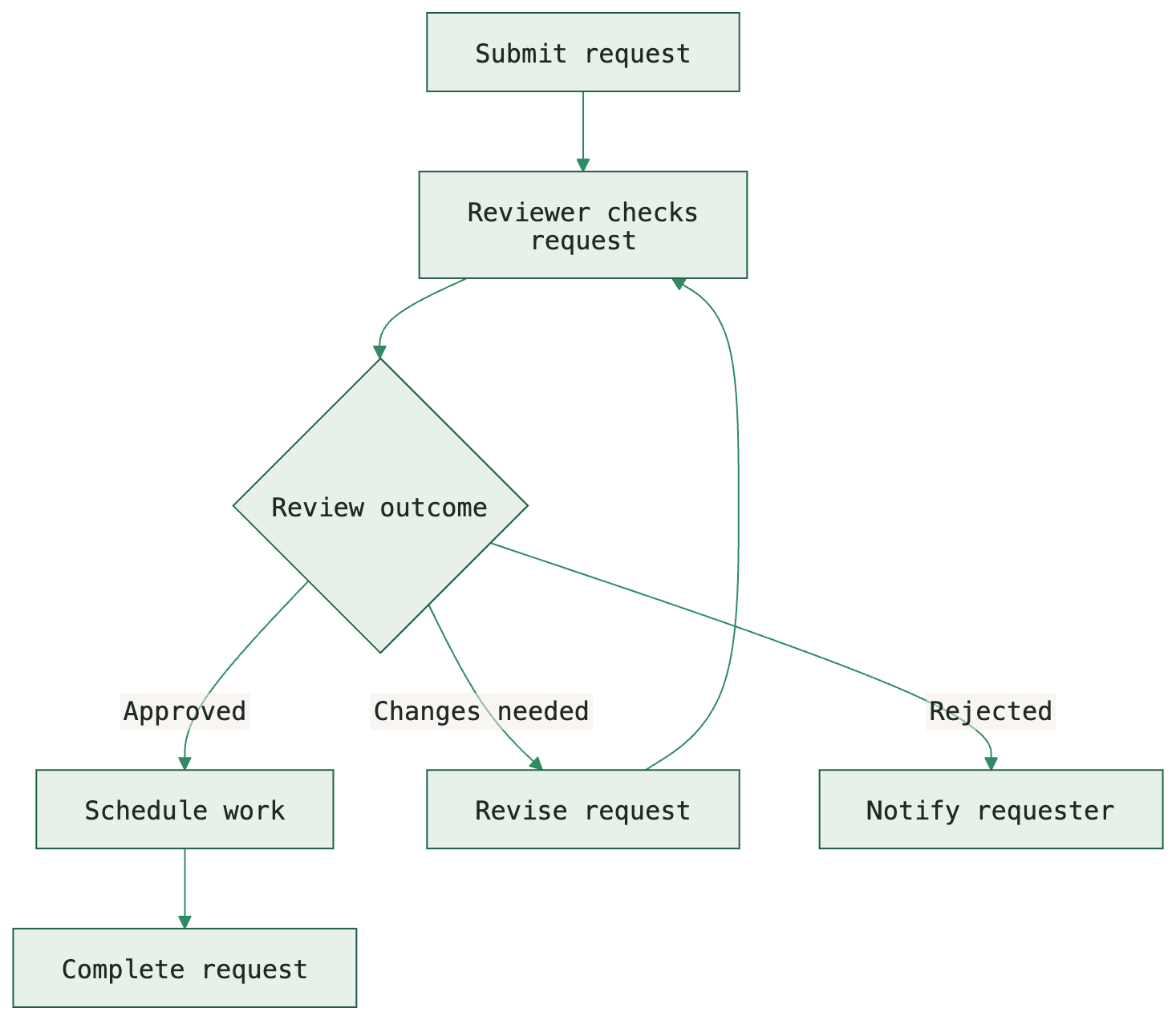
Approval workflow
An editable Mermaid approval workflow with review, revision and rejection branches. Copy the source, adapt the process, or download PNG, SVG and PDF examples.
 Sequence diagram
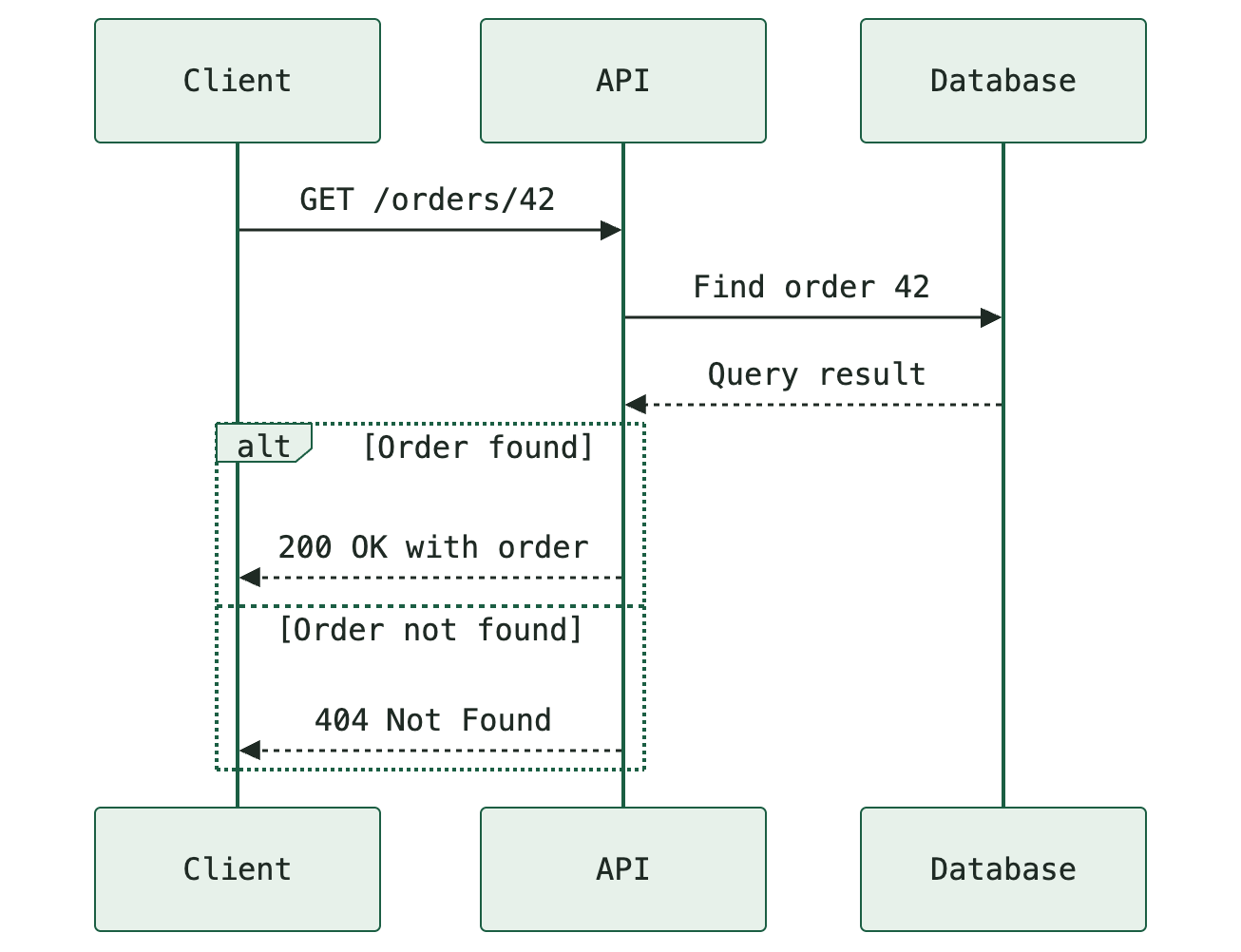
API request sequence
A Mermaid API request sequence diagram with client, API and database, including found and not-found responses. Copy, edit, or download PNG, SVG and PDF.
 Flowchart
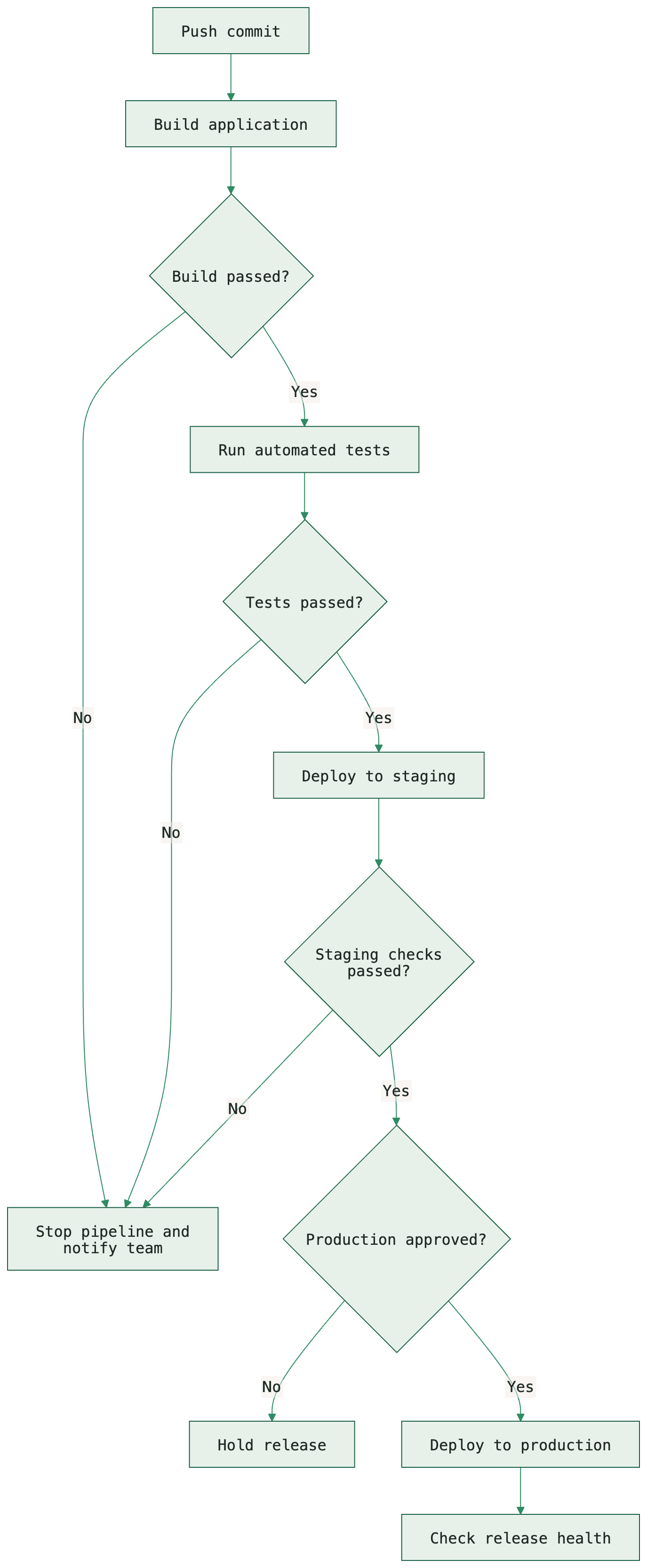
CI/CD pipeline
An editable Mermaid CI/CD pipeline example from commit through build, tests, staging and production, with failure branches. Download source, PNG, SVG or PDF.
How to use these Mermaid examples
- Choose the example closest to the process you need to explain.
- Read its source and adaptation notes, then open it in the PNG, SVG, or PDF converter.
- Change the labels, participants, and branches to reflect your actual system.
- Check the preview and export at a readable size. Keep the source for future edits.
Which diagram type should you choose?
A flowchart shows the steps and decisions in a process, making it useful for reviews and release pipelines. A sequence diagram shows messages between participants over time, making it useful for API interactions.
These templates are starting points. They do not replace your project's approval rules, API specification, or deployment configuration. Adjust the behavior as well as the labels.
Export your example in the right format
Use Mermaid to PNG for fixed-resolution images, Mermaid to SVG for scalable artwork, or Mermaid to PDF for documents and print. Read our Mermaid export format comparison if you are deciding between them.